
PARTS FINDER · PORSCHE 4-CAM
Find your engine part.
Replacement parts for Porsche four-cam engines of types 547, 692 and 587. Search by part number or start with an assembly.
Unsure of your engine type?
Start with “All / unsure”. Photographs of existing markings and the installation help us identify the engine type. Components you intend to retain or that have already been replaced are also relevant.
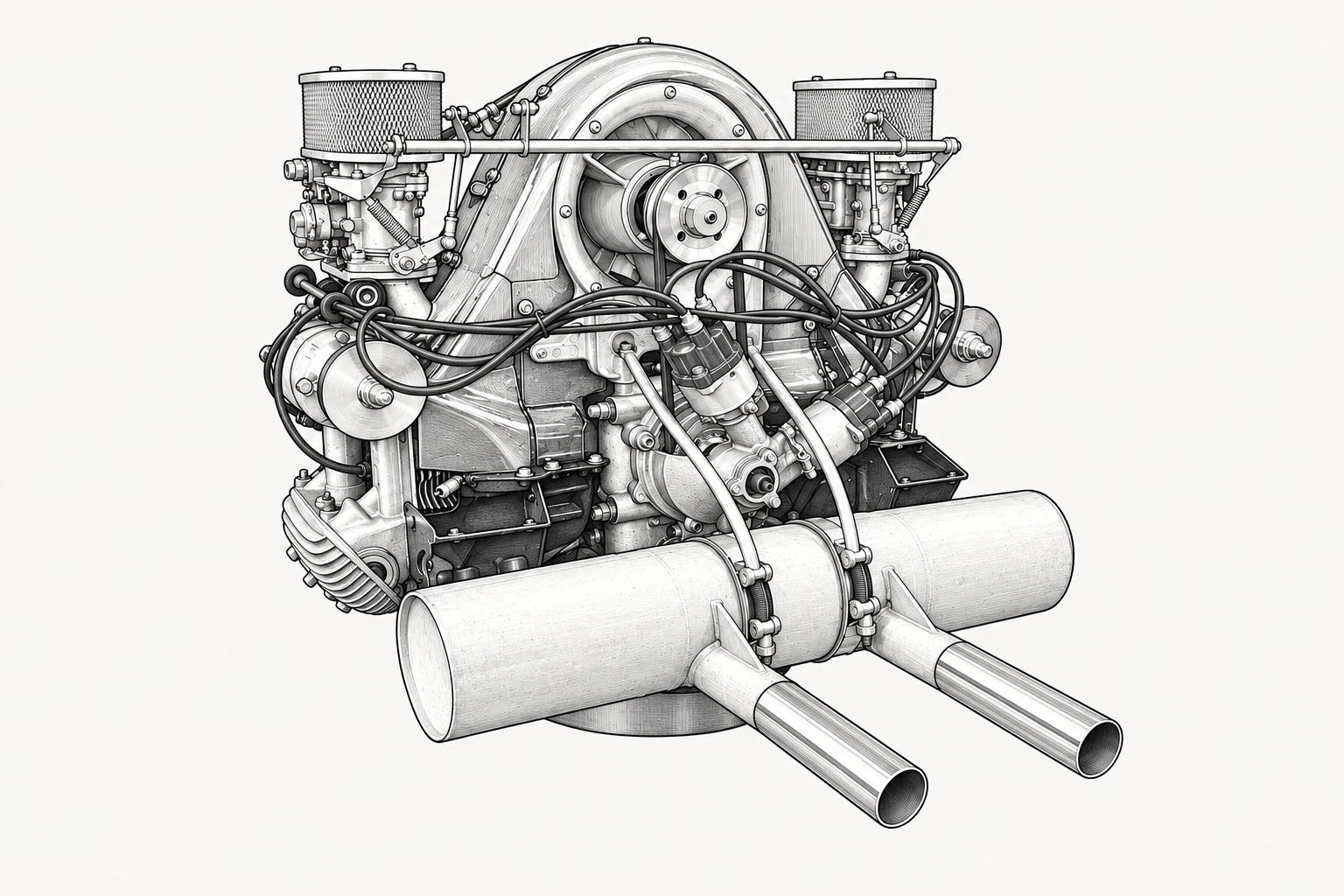
Illustration of a representative engine for orientation. The marked areas lead to the relevant component groups.
Click a number to open the components.Open a component group using the list below the image.
Images help with identification. Engine type, existing markings and installation determine the required specification.
0 savedView selection ↑